On your computer
Photo sizing, crop, paper, PDF export and saving your project.
 SizeLeaf
Turn your photos into a print-ready PDF. Choose the exact size, fit several prints on a sheet, and make something worth keeping.
On a phone or tablet? Make your print sheet in the SizeLeaf app.


You can also use the web editor on a desktop or laptop.
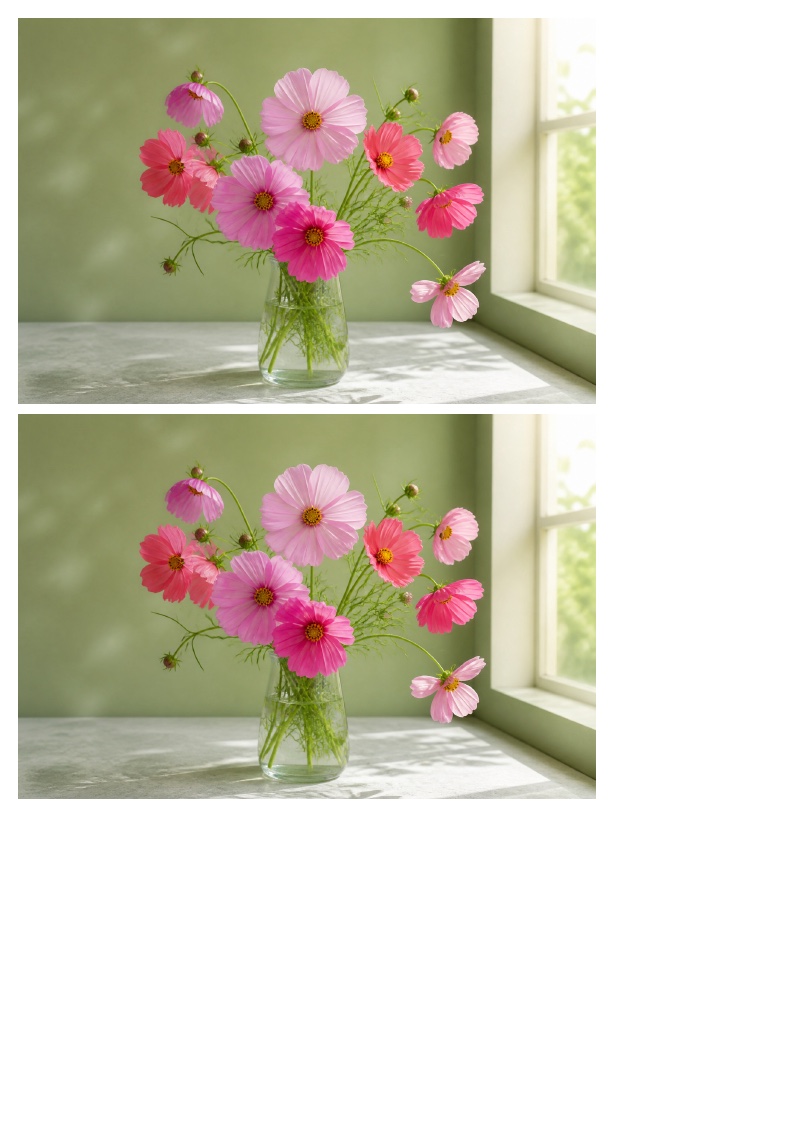
Choose your walkthrough. Follow each step, from adding a photo to a sheet that is ready to print.
For frames, journals, scrapbooks and the everyday things you make your own.
Choose JPEG, PNG or WebP files from your computer. Drop in several at once and see them on your sheet.
Work in inches, centimeters or millimeters. Set the copies, adjust the crop, and choose your paper.
Download your PDF and print at Actual size or 100%. Check the first print with a ruler.
Get your first print rightThe freedom to make a photo fit your project, without guessing at pixels.
Start your print sheetCreate print sheets on your iPhone, iPad or Android device. The app works offline and saves your layouts as you go.
Size your photos, arrange them on print sheets, and download PDFs for frames, journals, scrapbooks and other projects.
No photos are uploaded to SizeLeaf. Editing and PDF creation happen in your browser. Save a project file before closing your tab to keep your work.
Read the privacy policyYou can browse the website on any device. To create print sheets on a phone or tablet, use the app. The online editor needs a desktop browser window at least 1,024 pixels wide.
The PDF records the dimensions you set. Your printer settings also matter: choose the matching paper size, select Actual size or 100%, and turn off Fit to page. The optional check line, about 1.969 in (50 mm) long, helps you verify your first print.
Read the printing guide